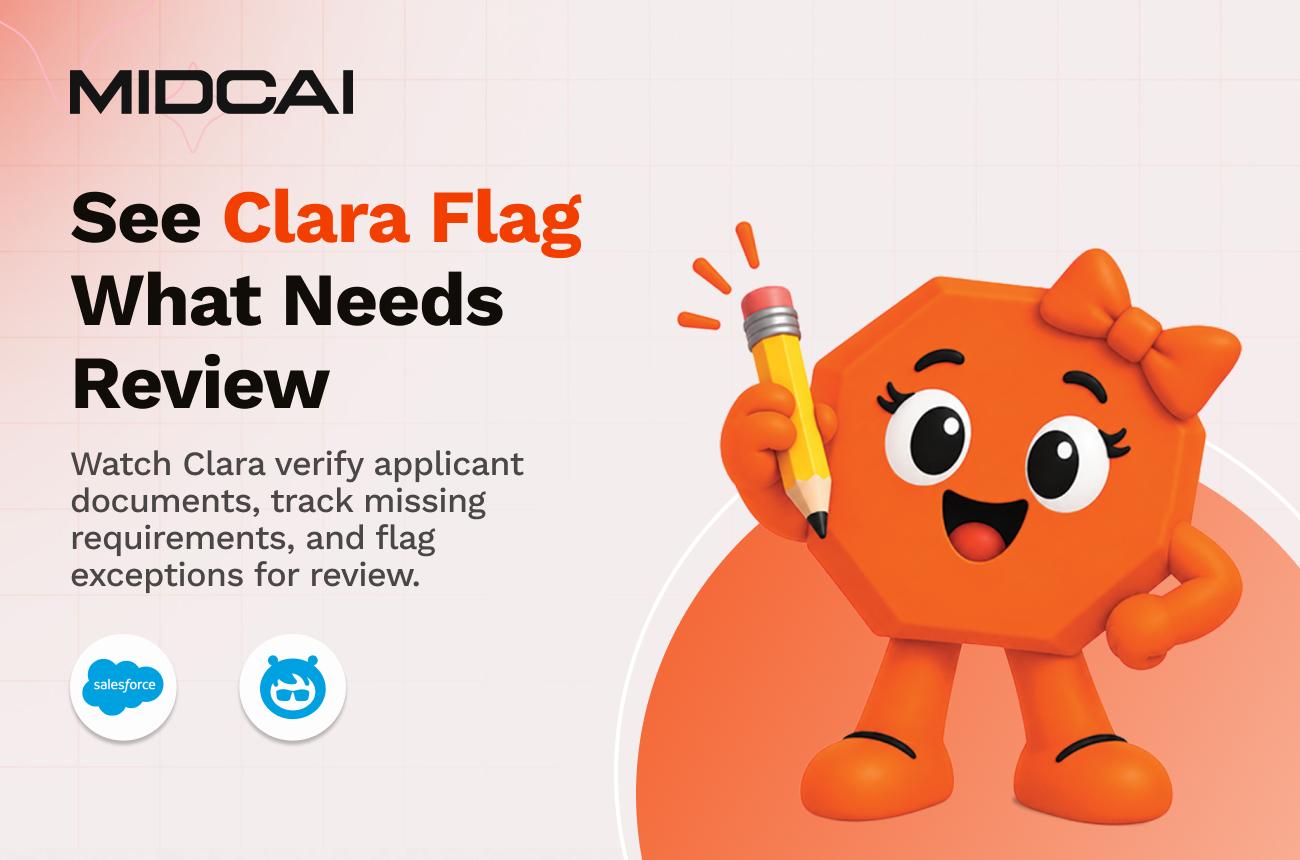
Every application comes with a paper trail. Passports, visas, transcripts, and supporting records all need to line up before anything can move forward. Clara checks the documents, verifies the applicant details, tracks what is still missing, and flags the applications that need a closer look.
Applicants think they have submitted everything. The admissions team still has to prove it. Clara speaks to both documents and Salesforce. Powered by Salesforce Agentforce, it reads each file, identifies what it is, checks key applicant details, keeps the requirement list current, and flags anything missing, unreadable, or mismatched with the reason attached. If Clara flags it, that’s when your team needs to open the file.
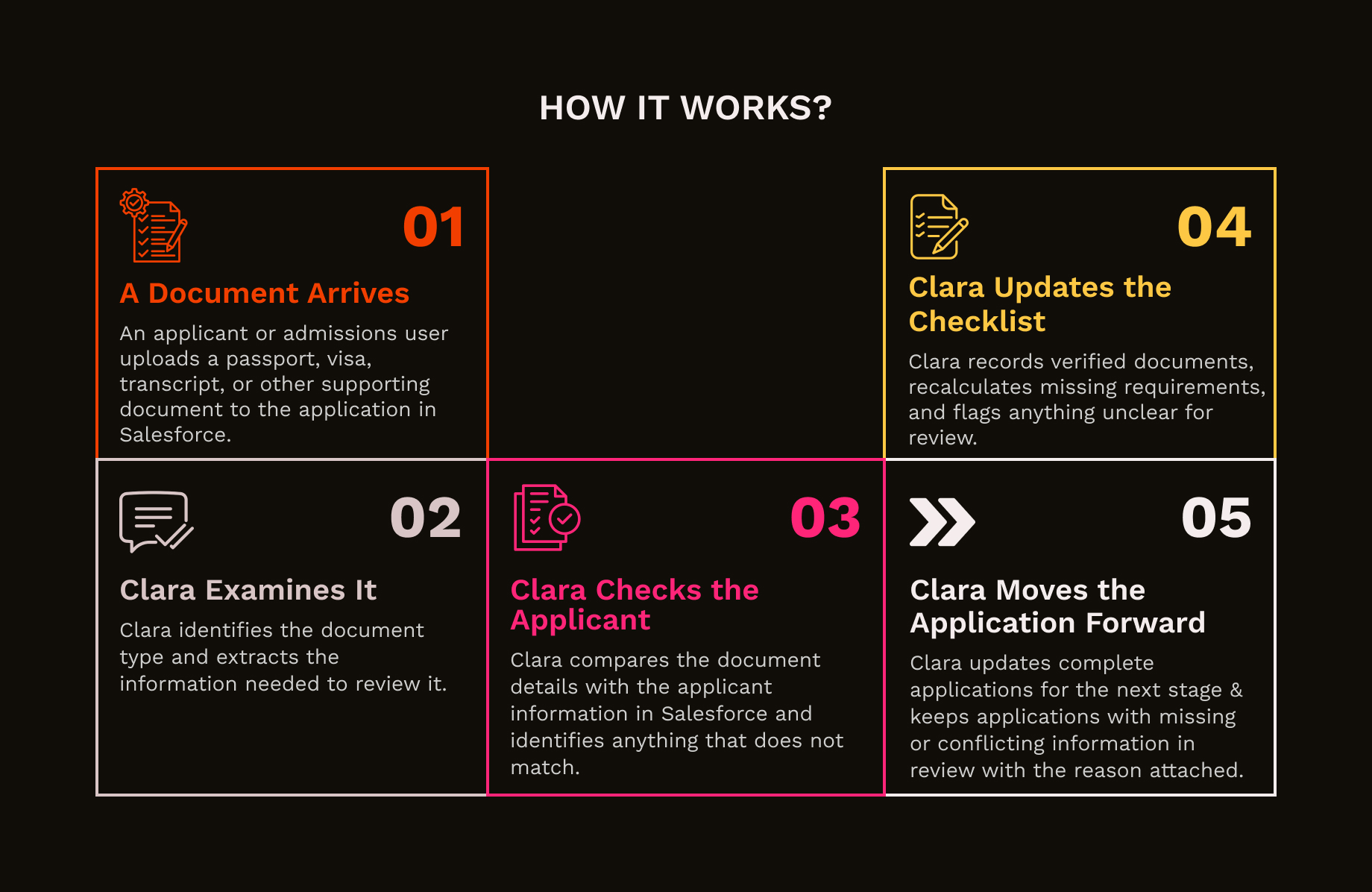
A passport, transcript, visa, and proof of residency should not all land in the same review queue. Clara identifies each uploaded file and maps it to the right configured document type.
A document can look valid and still belong to the wrong person. Clara compares details such as name and date of birth with the applicant record and surfaces anything that does not line up.
Applicants upload documents at different times, replace them, or remove them altogether. Clara keeps the verified and outstanding requirements updated as the application changes.
Once the required document set is present and successfully verified, Clara updates the relevant eligibility and review status so the application can continue to the next stage.
Be it an unreadable scan, unsupported document or any conflicting details, Clara marks the application for review and explains why, so admissions teams know exactly where to look.
Every document decision stays attached to the application with its type, processing status, reason, timestamp, and document reference. If a file is removed, Clara updates the record accordingly.
Verify passports, visas, transcripts, residency records, and other required documents without admissions teams manually checking every file in every application.
Review identity documents, qualifications, right-to-work records, and other onboarding requirements before HR or recruitment teams move a candidate forward.
Check identity, residency, income, ownership, and supporting documents while flagging missing or mismatched information before applications reach manual review.
Review submitted evidence against application requirements and surface incomplete, unreadable, or conflicting cases for caseworkers to investigate.
Your team has better things to do than open every file. Clara finds what actually needs attention.